
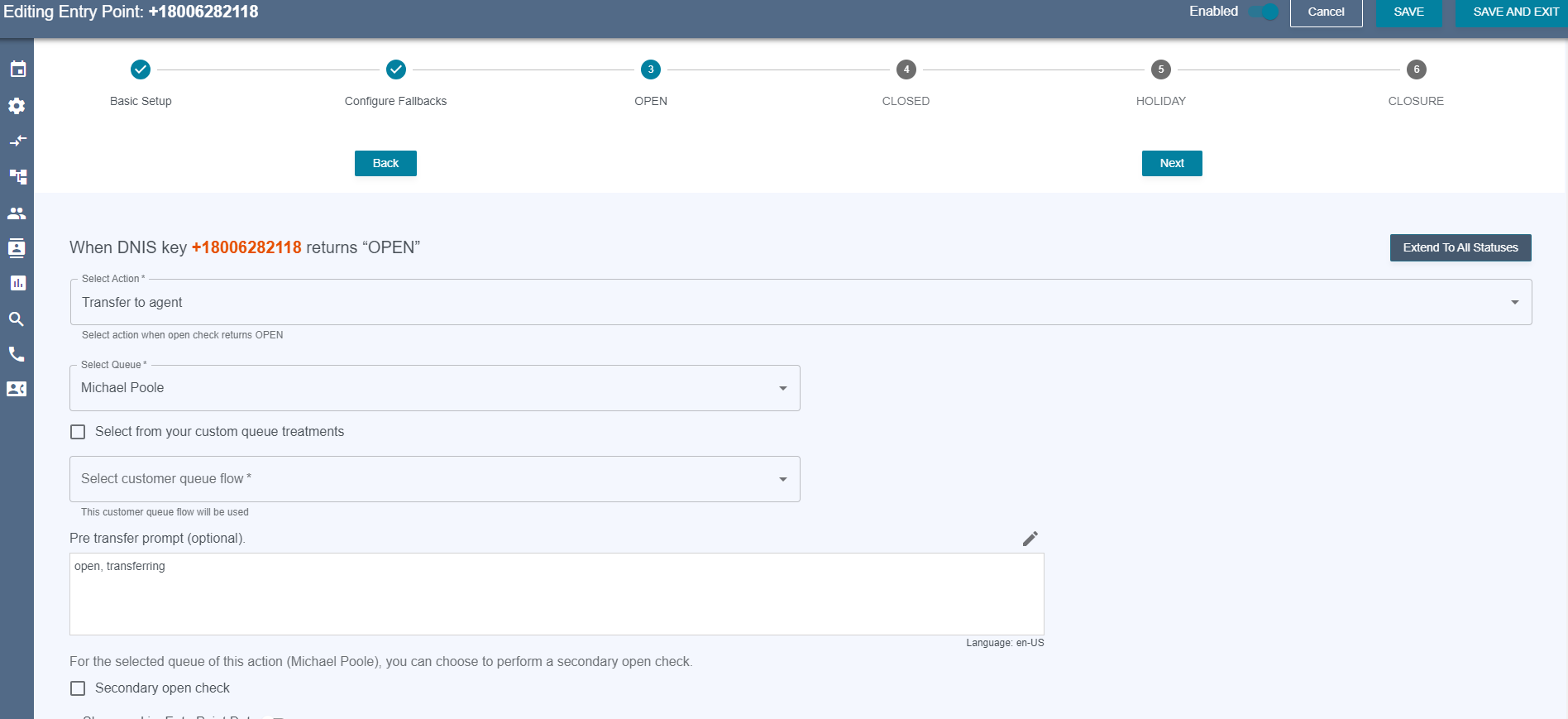
When Entry Point open check value comes back OPEN | CLOSED | HOLIDAY | CLOSURE
-
Choose “Transfer to Agent” from the dropdown and the queue action configurations will appear.
-
Select the agent queue you wish to transfer to from the queue dropdown.
-
Select the queue treatment flow you wish to use from the queue treatment dropdown.
-
If you wish to use a Flow Engine Queue Treatment, check the box that says “Select from your custom queue treatments then select your custom queue treatment.
-