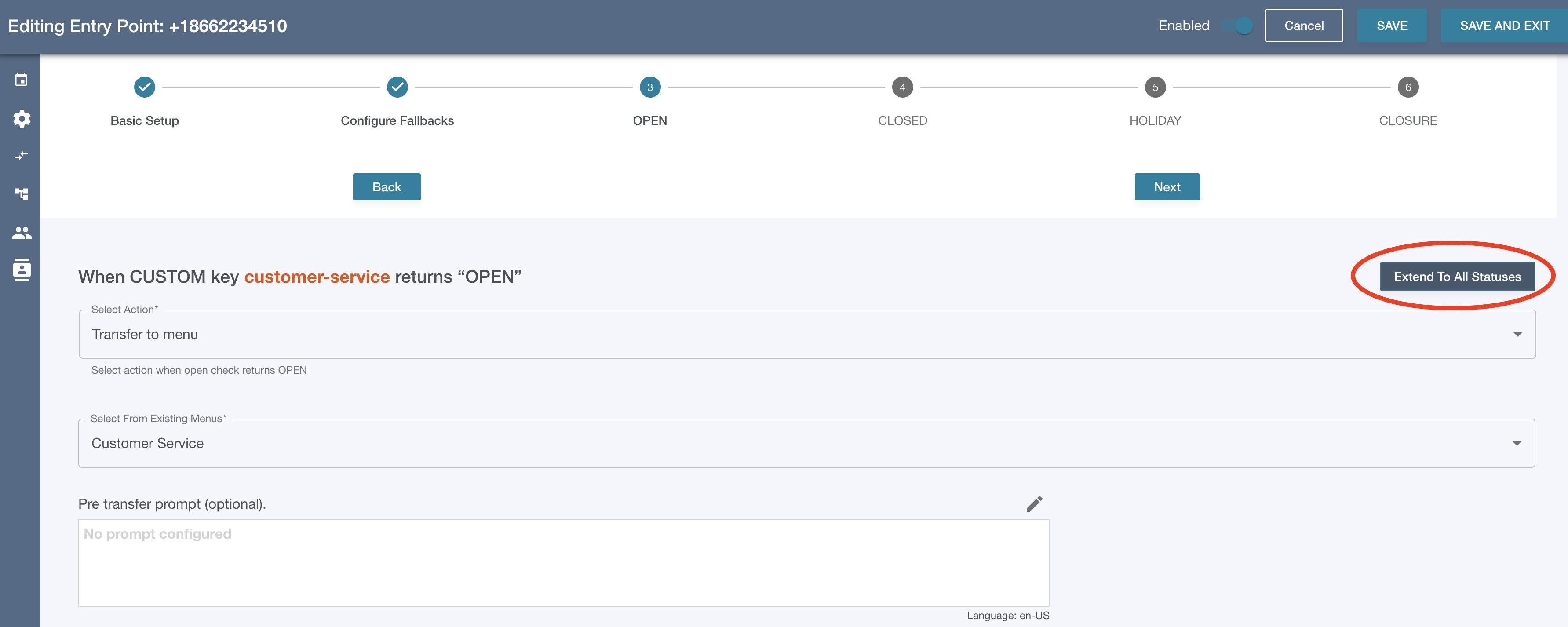
You can configure entry point actions to take after getting the result of the initial open check:
OPEN | CLOSED | HOLIDAY | CLOSURE
Depending on the design of the call flow, for example you are transferring to a Flow Engine Menu, you may not want to proceed with an openCheck at all. In those scenarios, you can configure the action for OPEN, then click the “Extend to All Statuses” button. This will ensure that in every scenario, you are able to transfer to the target menu.