
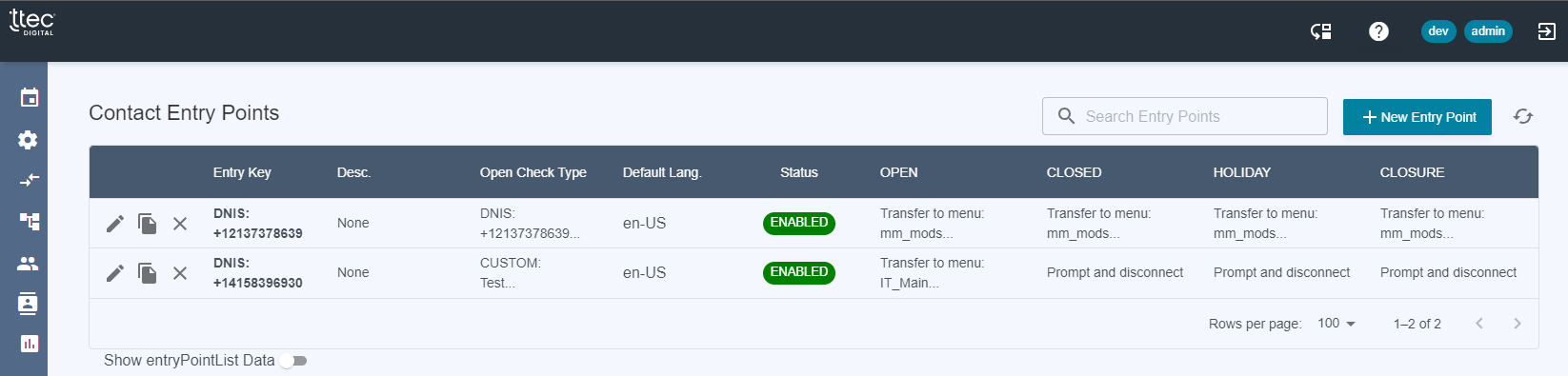
From the dashboard, if there are numbers available for use, the “New Entry Point” button in the top-right will be enabled. If no phone numbers are available, this button will be disabled and numbers will need to be claimed in Connect and pointed to VF_DEFAULT_ENTRY_FLOW.
After clicking “New Entry Point” you will see a stepper for configuring the entry point. You can select your desired Connect phone number from the first dropdown.
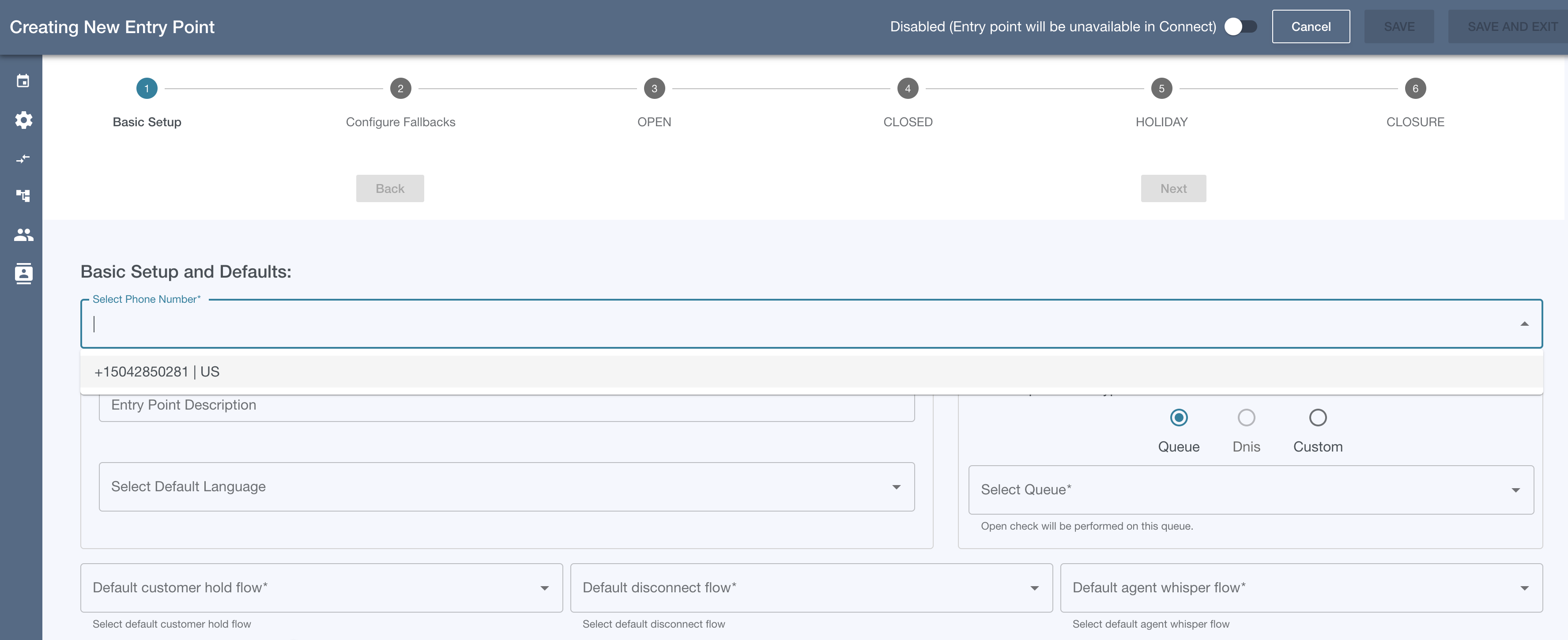
From here we can start the basic setup outlined in Step 1 - Basic Setup