
The Flow Engine Queue Treatment is designed around 4 “slots” which can be configured for text to speech (plain text or SSML), prompts from the Connect library, or S3 prompts.
The slots are configured with the standard Polly Playback Prompt Dialog of the OMP and can hold multiple languages. To retrieve the prompts, the target language must be set as the System Language in upstream flows. If you are using Flow Engine’s Contact Entry Points or Menu Management, the System Language will be set automatically before continuing to a Flow Engine Queue Treatment,.
The timing and cadence of a Flow Engine Queue Treatment is determined by the length of the music and/or messaging configured in the slots and what offers you make for callback or voicemail between the slots.
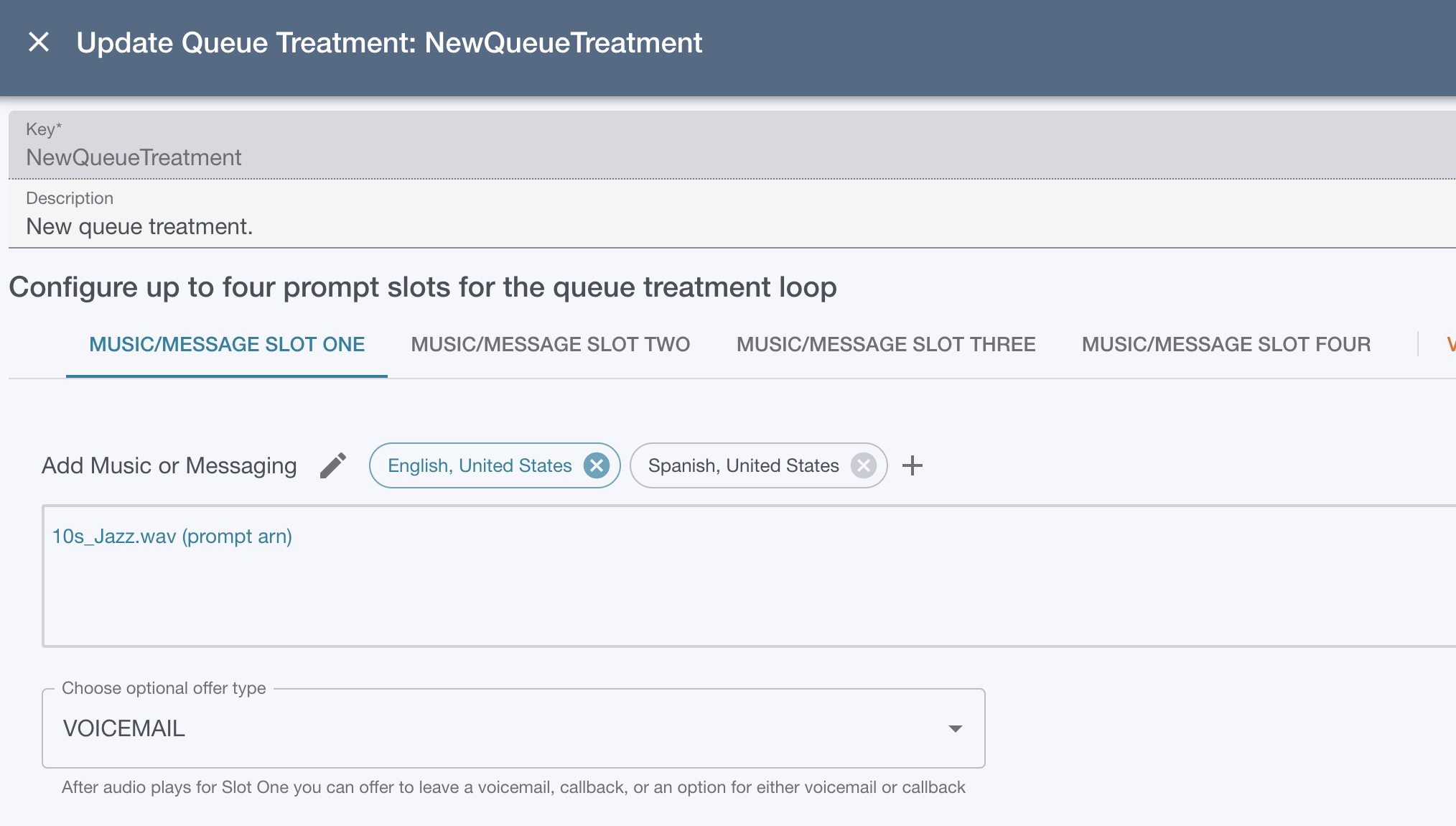
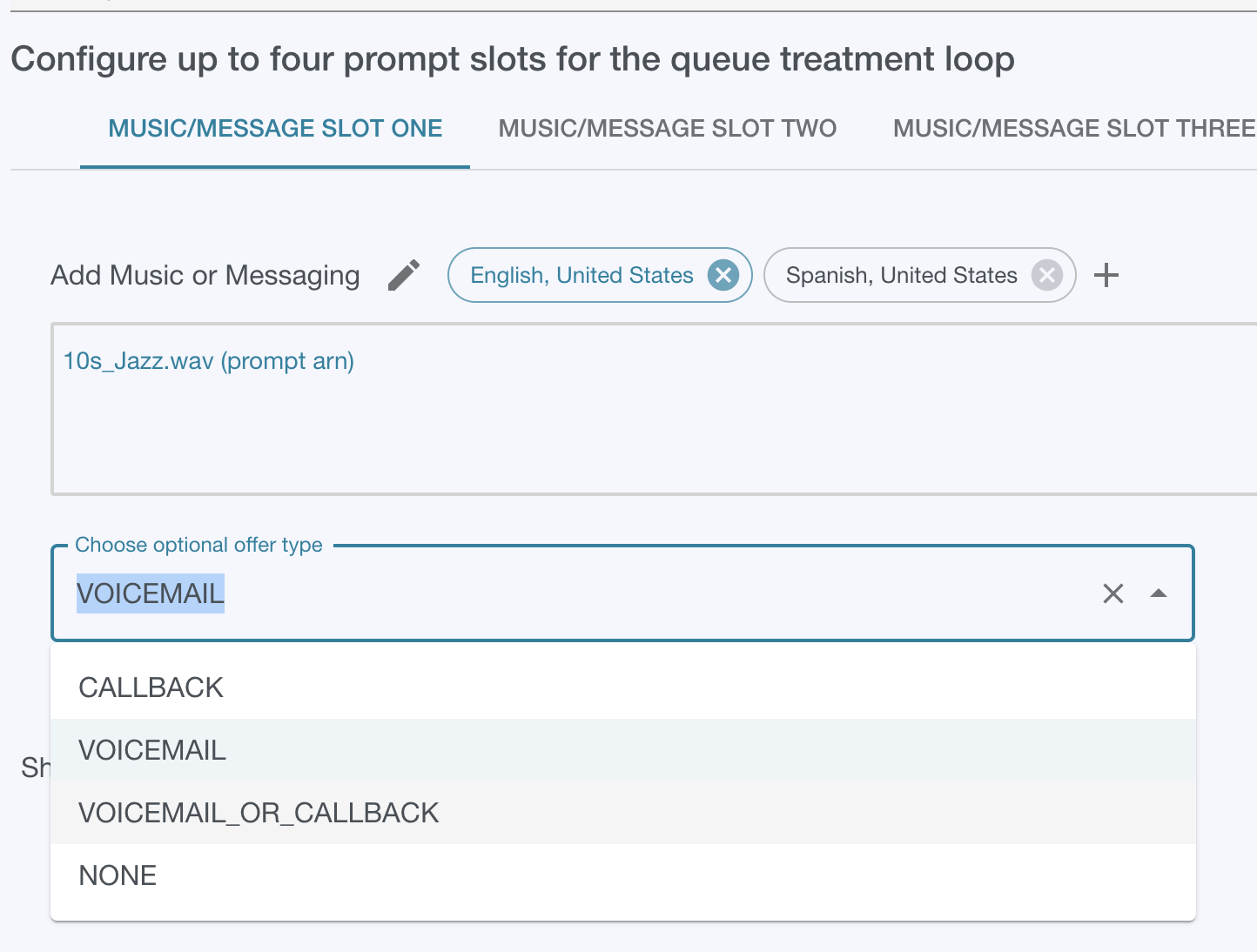
After each slot is played, you can configure the Flow Engine Queue Treatment to offer a callback, voicemail, or combined callback-voicemail option.
⚠️ To offer voicemail options, the voicemail app must be deployed and configured in the client account and the Flow Engine Stack prompts of the OMP must be configured with the voicemail prefix.