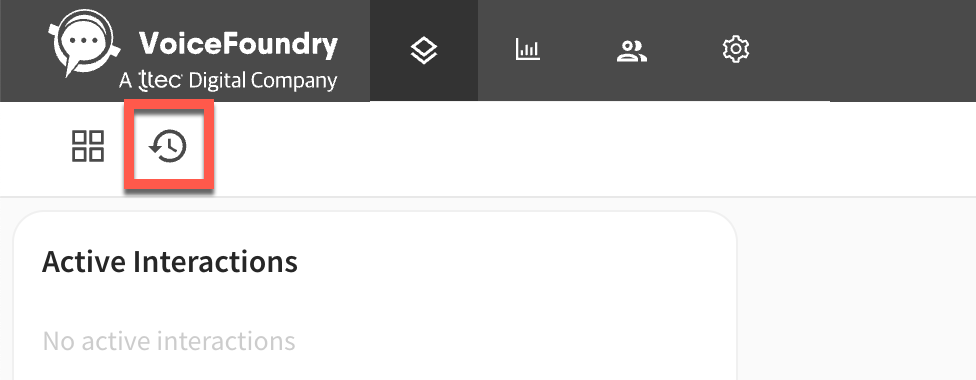
If the notes screen pop has been enabled you will see the notes editor appear on the right hand side of the interaction screen.
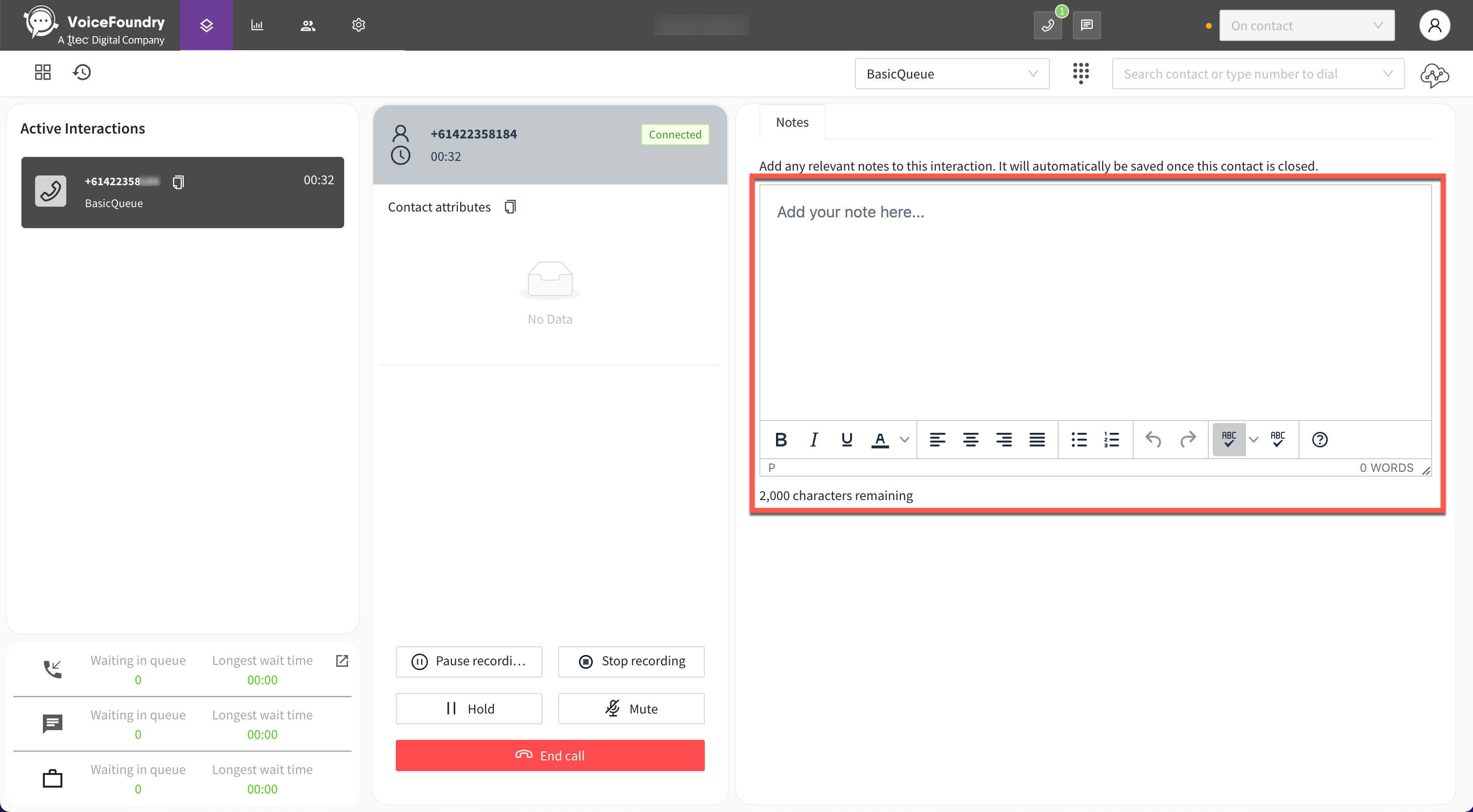
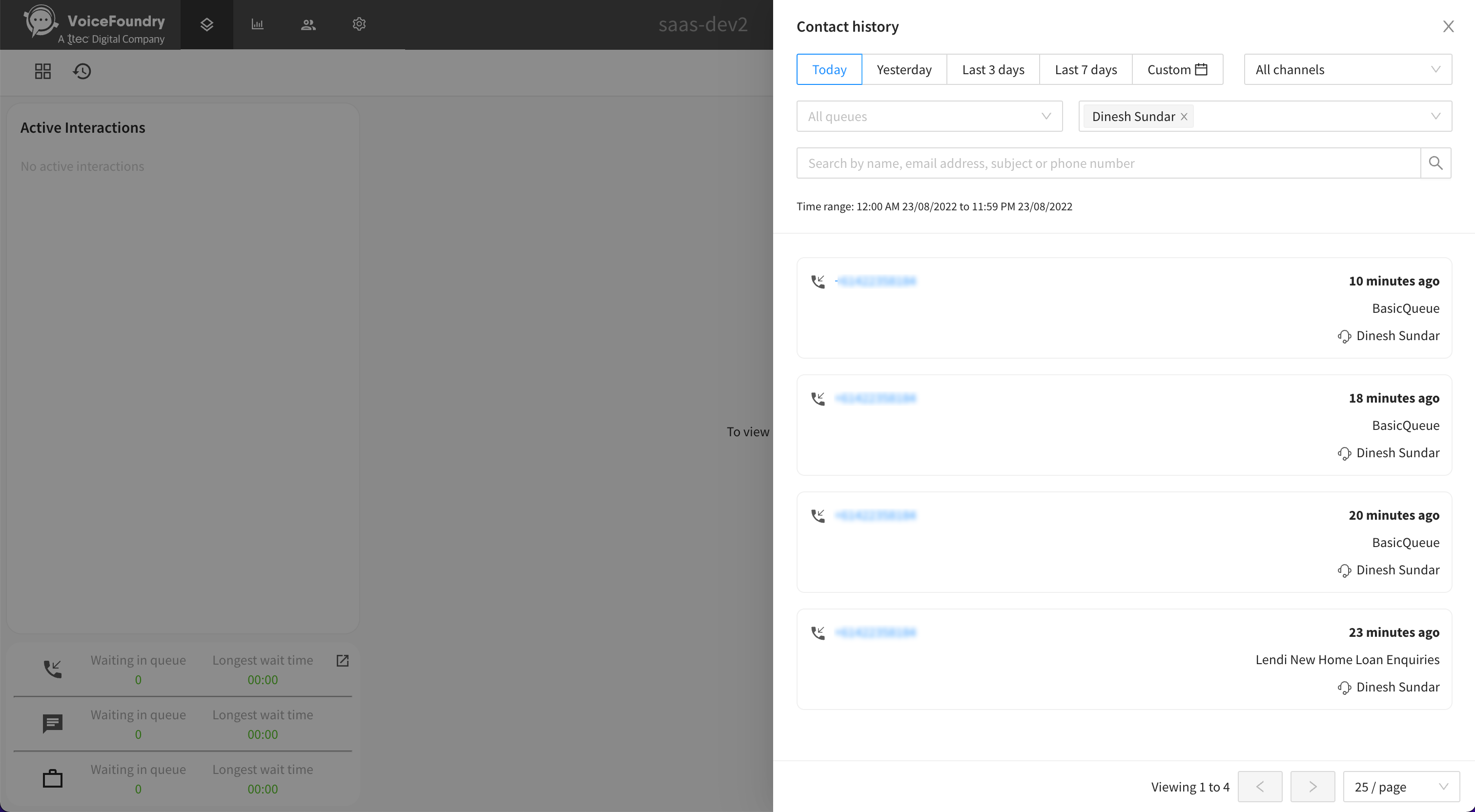
You will be able to add any relevant notes to this contact within the notes editor up to a maximum of 2,000 characters. Once your contact has cleared (i.e. after ACW) any notes you add will be automatically stored against this contact record. If you wish to view these notes at a later point in time simply go to Contact history within the interaction screen and search for this contact.