
To change your status, click on the status dropdown, and select your desired status.
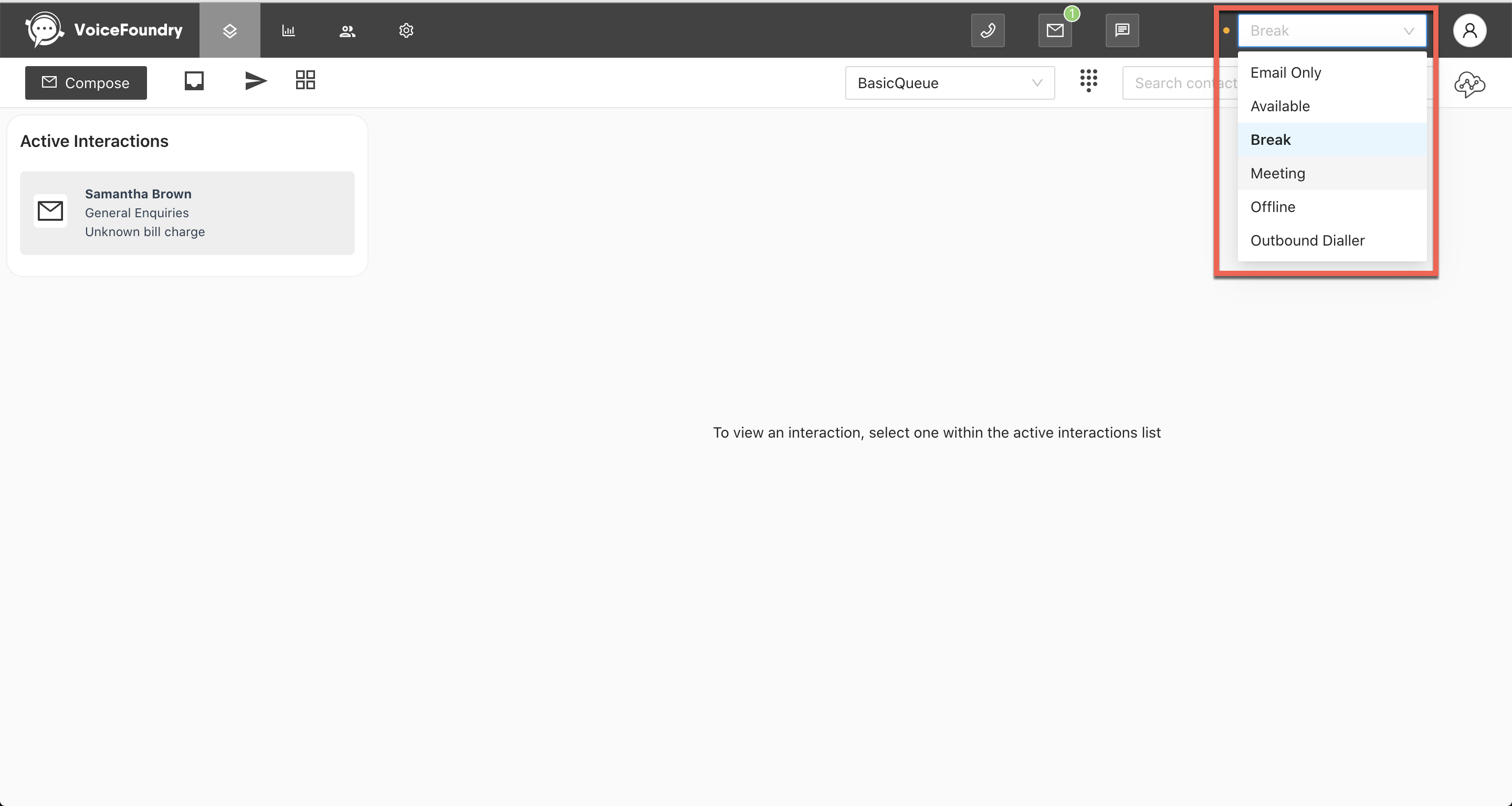
Default Agent statuses
|
Available |
Agent is ready to start receiving voice, chat and email interactions. |
|
Offline |
Agent will not receive any interactions during this time. Agent can only set themselves to the offline status when they are not on a live voice or chat interaction. |
Optional statuses (Examples)
|
Break status |
Agent will not receive any interactions during this time. Agent can only set themselves to a break status when they are not on a live voice or chat interaction. |
|
Email Only |
Agent will only receive email interactions |