
Active interactions list
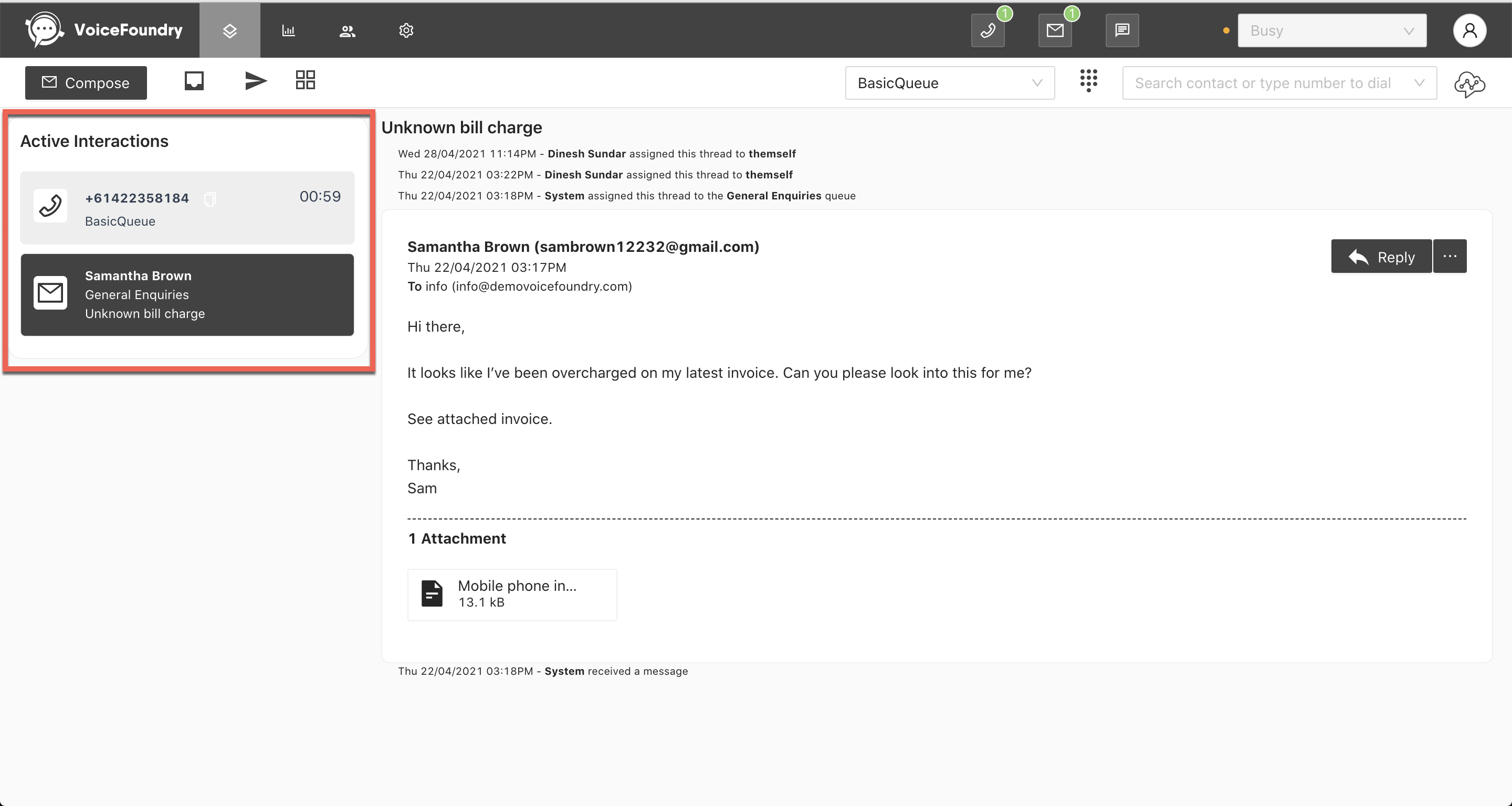
The active interactions list displays a list of the current interactions that you are working on. To view an interaction, click on an interaction card within the list and it will load on the screen.
Accepting an incoming interaction
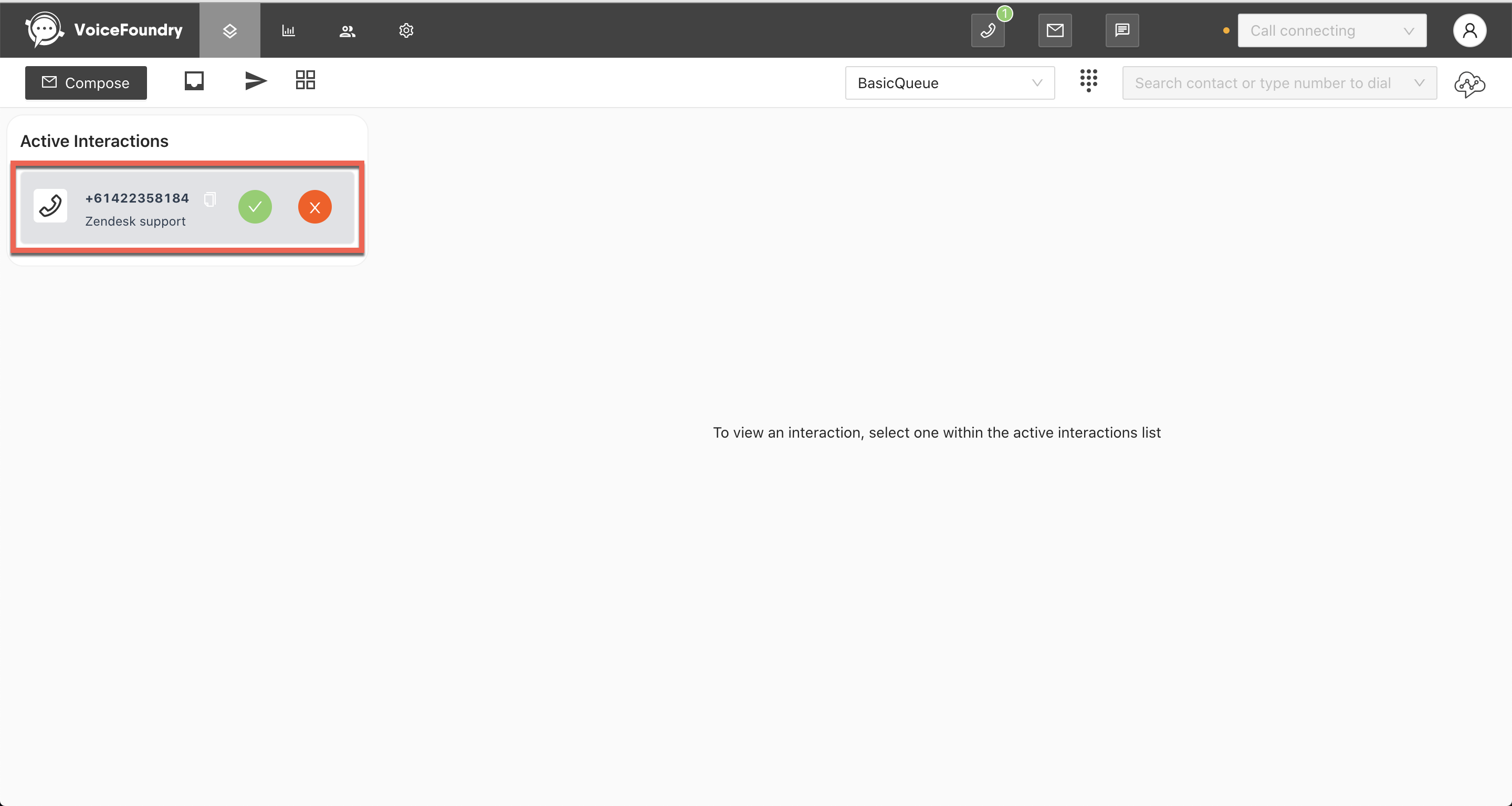
An agent can accept an incoming interaction by clicking on the check icon within the interaction card in the active interactions list. If you reject the incoming interaction, it will be routed to the next available agent.
If a supervisor manually assigns an email interaction to you, it will automatically appear in the active interactions list without you needing to accept it.
Auto accept
If your routing profile has been set to auto-accept, interactions will be automatically routed to you without needing to accept them.