
Playing voicemail greetings and capturing the recording is managed by a contact flow. The simplest configuration option is to pass the sampleContactFlows:true prop to the CDK application. This will create sample flows that you can use as-is or copy and customize.
If you need to customize these flows you MUST create a copy to avoid an overwrite when a new version is released.
|
Name |
Type |
|---|---|
|
Voicemail sample contact flow |
Contact flow |
|
Voicemail sample customer queue |
Customer queue flow |
Default Configuration
sampleContactFlows: {
  defaultQueue: 'BasicQueue',
  beepPrompt: 'Beep.wav'
}
Custom Configuration
Voicemail Hours of Operations
-
Log into your Connect Instance and navigate to Routing > Hours of Operations
-
Create a new Hours of Operation named: VoicemailHours
-
Usually the hours should be 12:00 AM - 11:59 PM all week
-
Voicemail Queue
-
Navigate to Routing > Queues
-
Create a new queue named VoicemailQueue
-
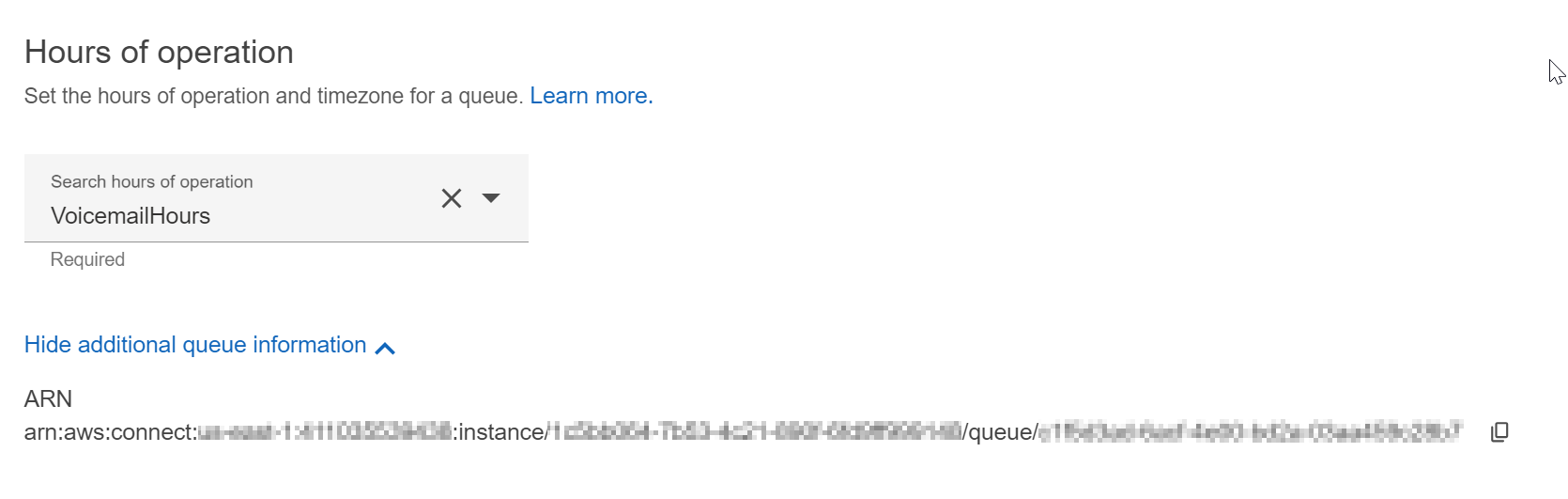
Select VoicemailHours for Hours of Operation
-
Deploy
-
Create or update your Voicemail CDK application with the following stack props
 sampleContactFlows: {
    defaultQueue: 'VoicemailQueue',
    beepPrompt: 'Beep.wav'
  },
Configure an Inbound Number
-
Open Routing > Phone Numbers
-
Claim a new number and assign it to
Voicemail sample contact flow
-
-
Your voicemail setup is now complete.